I. Introduction: The Rise of 5G and the Need for Powerful Routers
5G’s Transformative Potential
The advent of 5G technology marks a significant leap forward in wireless connectivity. Offering unprecedented speeds, low latency, and massive capacity, 5G is poised to revolutionize industries from healthcare to manufacturing. However, to fully realize the benefits of 5G, businesses and individuals need the right tools.
The Crucial Role of 5G Routers
5G routers act as the gateway to this transformative technology. These devices are designed to handle the increased bandwidth and data demands of 5G networks, ensuring optimal performance and reliability. Whether you’re streaming high-definition content, gaming, or managing a large-scale IoT deployment, a 5G router is essential for unlocking the full potential of 5G.
II. Understanding 5G Routers: Key Features and Considerations
A. 5G Modem Compatibility
Ensure your 5G router’s modem supports the specific bands and frequencies used by your carrier for optimal performance. High-quality modems can improve signal reception and speed.
B. Dual-Band Wi-Fi
- Maximize device performance: Optimize connections for various tasks.
- Reduce network congestion: Efficiently allocate bandwidth.
- Enhance coverage: Extend Wi-Fi reach to all corners of your space.
C. Gigabit Ethernet Ports
- Deliver wired speeds: Ensure fast and reliable connections for demanding applications.
- Connect multiple devices: Support wired devices like computers, NAS, and gaming consoles.
- Enhance stability: Provide a more consistent connection compared to Wi-Fi.
D. VPN Support
- Protect your network: Securely encrypt data and prevent unauthorized access.
- Enable remote work: Safely connect to your network from anywhere.
- Ensure privacy: Maintain confidentiality of sensitive information.
III. The SIM Card Connection: How Routers and SIM Cards Work Together
A. SIM Card’s Role:
- Gateway to cellular networks: Enables your router to connect to your mobile carrier.
- Essential for 5G connectivity: Provides access to the 5G network.
B. Choosing the Right SIM Card:
- Network compatibility: Ensure the SIM card is compatible with your carrier’s network technology and 5G bands.
- Data plan: Select a plan that meets your usage needs and avoids overage charges.
- Additional features: Consider rollover data, multiple network access, and specialized services.
- Research and compare: Evaluate different carriers and plans to find the best option for your requirements.
IV. Top 5G Routers: A Comparative Analysis
When selecting a 5G router, it’s crucial to compare different models to find the one that best suits your needs. Below is a comparative analysis of some of the top 5G routers currently on the market, each offering unique features and advantages for various use cases.
A. Netgear Nighthawk M5 (MR5200)
The Netgear Nighthawk M5 (MR5200) is a popular choice for those looking for a reliable and portable 5G router. With support for both 5G and Wi-Fi 6, it ensures ultra-fast speeds and efficient connectivity for multiple devices. Strengths of the Nighthawk M5 include its compact design, making it ideal for on-the-go professionals, and its strong battery life, which supports extended use without needing to be plugged in. Weaknesses include a higher price point compared to other models and limited LAN port availability. Best suited for travelers, mobile workers, and small households, the Nighthawk M5 excels in scenarios where portability and speed are paramount.
B. Huawei 5G CPE Pro 2
The Huawei 5G CPE Pro 2 offers excellent 5G performance with a sleek design, making it a solid option for home and small business users. Its strengths include advanced cooling technology that ensures stable operation even during high-demand periods, and its wide coverage range due to 5G + Wi-Fi 6 dual-band support. The weaknesses of the Huawei 5G CPE Pro 2 are its dependence on Huawei’s ecosystem, which may limit compatibility with certain apps or services. This router is best suited for users who prioritize stable performance and are already integrated into Huawei’s network of products and services.
C. Asus 5G NR AX1800
The Asus 5G NR AX1800 is a versatile router that combines 5G connectivity with Wi-Fi 6 technology for seamless internet access. Strengths of this model include its robust security features, such as AiProtection, which safeguards your network from cyber threats, and its support for mesh networking, which allows you to extend your Wi-Fi coverage as needed. The weaknesses include its slightly bulkier design and fewer configuration options compared to higher-end models. Ideal for households and small offices, the Asus 5G NR AX1800 is a great choice for those seeking a secure and flexible 5G solution.
D. TP-Link Deco X80-5G
The TP-Link Deco X80-5G is known for its exceptional performance in expanding Wi-Fi coverage with mesh networking capabilities. Its strengths include seamless 5G integration and impressive signal strength, ensuring stable connections throughout large spaces. Additionally, the Deco X80-5G is compatible with TP-Link’s Deco app, allowing for easy setup and management. However, its weaknesses include a lack of advanced customization options, which may be a drawback for tech-savvy users seeking in-depth control over their network. This router is best suited for larger homes and offices where coverage and ease of use are top priorities.
E. Alotcer AR7091GK
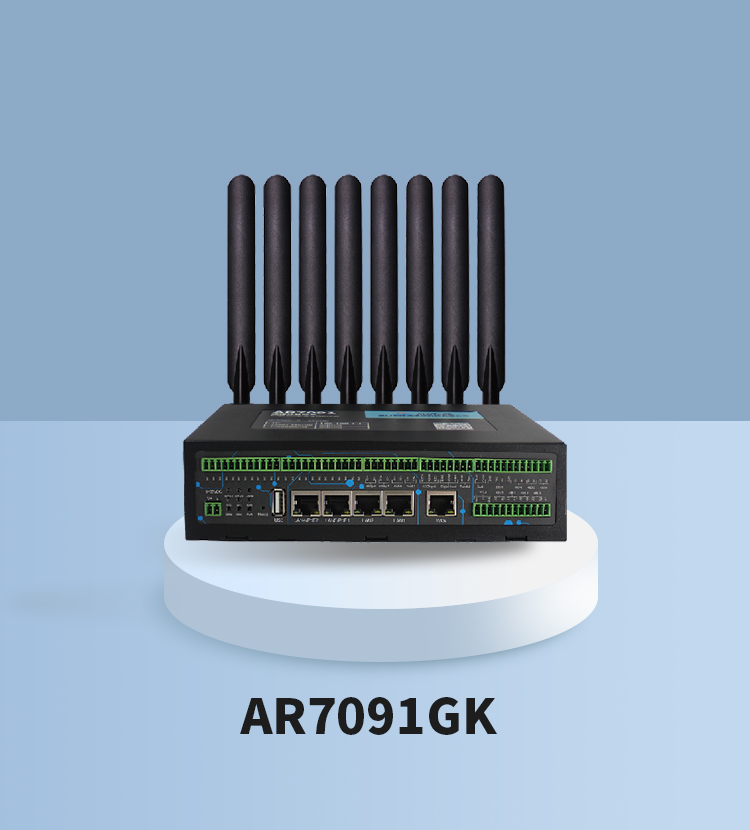
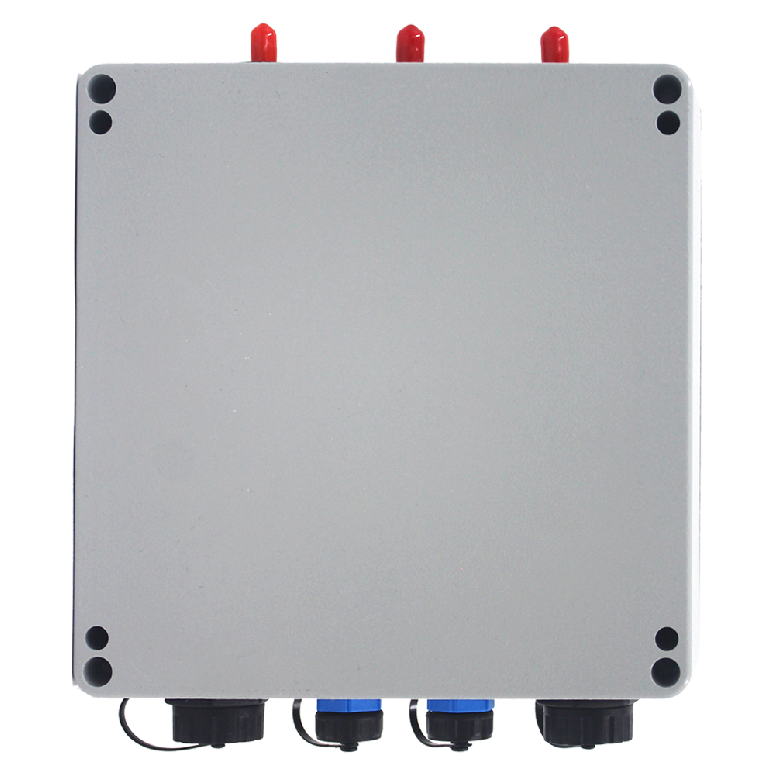
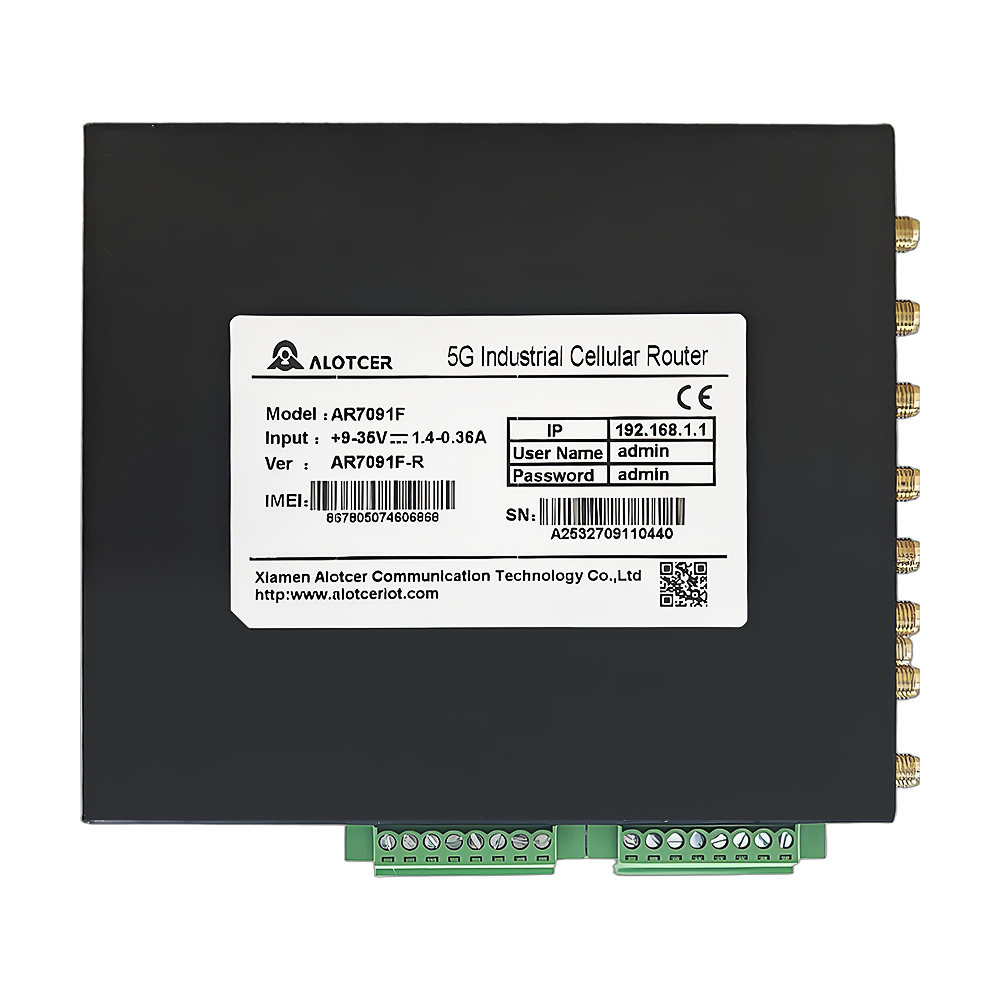
The Alotcer AR7091GK is a rugged outdoor 5G router designed for more challenging environments, making it perfect for rural areas or industrial use. Strengths of this model include its weatherproof design, which can withstand harsh conditions, and its high-gain antennas that enhance signal reception in remote areas. The weaknesses include limited portability and a more complex setup process compared to indoor routers. The Alotcer AR7091GK is ideal for users who need reliable 5G connectivity in areas where traditional broadband options are limited or non-existent.
These models each offer unique features that cater to different needs, from portability and performance to ruggedness and extended coverage. When selecting a 5G router, consider the specific requirements of your home or business, along with the strengths and weaknesses of each model, to find the best fit for your connected life.
V. Beyond the Basics: Additional Features to Look for in a 5G Router
While basic features like 5G connectivity and Wi-Fi performance are essential, certain advanced features can significantly enhance your experience with a 5G router. Let’s explore a few key additional features that can make a big difference in your network’s performance and usability.
A. Mesh Networking Capabilities
Mesh networking has become a popular feature in modern routers, and for good reason. It allows you to extend your Wi-Fi coverage by creating a network of interconnected nodes that provide seamless coverage across larger areas, eliminating dead zones. This feature is especially beneficial for larger homes, offices, or buildings with complex layouts. With mesh networking, your 5G router can cover every corner without losing signal strength.
B. Parental Controls
For families, parental controls are an invaluable feature. They allow you to manage your children’s internet access, filter inappropriate content, and set time limits for device usage. With these controls, you can ensure a safer online environment for younger users while maintaining control over how and when the internet is used in your household.
C. Quality of Service (QoS)
Quality of Service (QoS) is a feature that enables you to prioritize internet traffic for specific devices or applications, ensuring that critical activities like video conferencing or gaming receive the bandwidth they need. This is particularly useful in households or businesses with multiple connected devices competing for bandwidth. By setting priorities, you can optimize your network performance and prevent lag during important tasks.
These additional features can greatly enhance the functionality and user experience of your 5G router. Whether you need broader coverage, safer internet access for your family, or better control over your network’s performance, these capabilities provide added value that goes beyond basic connectivity.
VI. Setting Up Your 5G Router: A Step-by-Step Guide
Setting up a 5G router may seem daunting, but breaking it down into simple steps can make the process straightforward. Here’s a concise guide to getting your 5G router up and running.
A. Hardware Setup: Connecting Your Router, SIM Card, and Devices
Start by unboxing your router and locating the SIM card slot, usually found at the back or underside of the device. Insert the SIM card, ensuring it’s aligned correctly. Next, connect the router to a power source and wait for the device to power up. Most routers will have indicator lights that show when the device is ready. Once powered on, connect your devices (laptops, smartphones, etc.) either via Ethernet cable or Wi-Fi. Ensure that the devices recognize the router’s network.
B. Configuration: Setting Up Wi-Fi Network, Internet Connection, and Additional Features
After connecting your devices, open a web browser and type in the router’s IP address (typically found in the user manual). This will take you to the router’s setup page, where you can configure the network. Set up your Wi-Fi network name (SSID) and password to ensure security. Some routers also allow you to customize settings like guest networks, parental controls, and VPN configurations. Complete the setup by checking your internet connection to make sure everything is functioning properly.
C. Troubleshooting Tips: Addressing Common Setup Issues
If you encounter any issues during setup, start by rebooting the router and checking the SIM card’s placement. Ensure the SIM card is activated and supports 5G. Verify that your devices are within range and connected to the correct network. If the issue persists, consult the user manual or contact customer support for specific troubleshooting advice.
VII. Real-World Applications: How 5G Routers Can Transform Your Life
5G routers aren’t just tech upgrades; they offer transformative real-world applications across various aspects of daily life and business. Let’s explore some of the most impactful areas.
A. Home Use: Streaming, Gaming, and Smart Home Devices
5G routers provide the speed and low latency needed to support multiple devices simultaneously, making them ideal for home use. With the rise of 4K and even 8K streaming, 5G ensures smooth playback with minimal buffering. Gaming enthusiasts also benefit from ultra-low latency, leading to more responsive gameplay. Additionally, 5G routers power smart home devices, from security systems to voice assistants, ensuring seamless integration and real-time responses. In a connected home, these routers help maintain a stable connection across all devices, making lag and connectivity drops a thing of the past.
B. Small Businesses: Remote Work, Online Meetings, and Point-of-Sale Systems
For small businesses, 5G routers enable a more flexible and efficient work environment. With remote work becoming the norm, these routers ensure reliable internet connections for online meetings, cloud services, and collaborative tools. Point-of-sale (POS) systems, which rely on a stable internet connection, also benefit from the consistent performance 5G routers provide. Whether you’re operating a café, retail store, or a consulting business, a 5G router can enhance productivity by supporting faster data transmission, secure networks, and uninterrupted service, all crucial for daily business operations.
C. Mobile Professionals: Staying Connected on the Go
5G routers are game-changers for mobile professionals who need reliable connectivity wherever they are. Whether you’re traveling for work, setting up temporary offices, or working from your car, a portable 5G router ensures that you stay connected without relying on spotty public Wi-Fi. With the ability to access high-speed internet from almost anywhere, mobile professionals can conduct video conferences, access cloud storage, and remain productive on the go. The flexibility and reliability of 5G routers are particularly beneficial for industries that require constant connectivity, such as real estate, sales, and remote consulting.
VIII. Conclusion: Power Up Your IoT with the Best 5G SIM Router
Choosing the right 5G SIM router can make all the difference in powering up your IoT ecosystem. From providing ultra-fast speeds for streaming and gaming to supporting small businesses and remote work, 5G routers offer a range of benefits that can transform your home or business.
When selecting a router, consider factors like network compatibility, data plans, and additional features like mesh networking, parental controls, and QoS. By choosing the right device for your needs, you can enjoy the full potential of 5G connectivity and future-proof your network for years to come.
With the right 5G SIM router in place, you’ll be ready to harness the power of IoT, keep your devices connected, and enjoy the next generation of internet speeds. Whether you’re upgrading your home network, setting up a smart office, or expanding your business operations, a 5G router can provide the connectivity you need to succeed.
FAQs
Q1: What is the difference between a 5G router and a regular Wi-Fi router?
A 5G router uses cellular networks (5G) to provide internet connectivity, while a regular Wi-Fi router typically connects to the internet via cable, DSL, or fiber. 5G routers offer faster speeds and can be more flexible in terms of placement, as they don’t rely on traditional wired connections.
Q2: Can I use my 5G router with any SIM card?
Not necessarily. You need to ensure that the SIM card is compatible with your router and supports the 5G network bands used by your carrier. Some routers are locked to specific carriers, so it’s important to check compatibility before purchasing a SIM card.
Q3: Do 5G routers work with older 4G or LTE networks?
Yes, most 5G routers are backward compatible with 4G and LTE networks. This ensures that you can still access the internet in areas where 5G coverage is limited or unavailable.
Q4: How can I extend the range of my 5G router?
You can extend the range of your 5G router by using mesh networking systems or range extenders. Mesh networks allow you to add additional nodes that expand your coverage, ensuring consistent internet access throughout your space.
Q5: Is a 5G router suitable for online gaming?
Yes, 5G routers are well-suited for online gaming due to their low latency and high-speed capabilities. QoS features in some routers can also prioritize gaming traffic to ensure a smooth and lag-free experience.