[toc]
Introduction
The Industrial Revolution Whirls Onward
The industrial revolution continues to advance at an unprecedented pace, bringing with it a wave of technological innovations that reshape how we operate our businesses. At the heart of this transformation are Programmable Logic Controllers (PLCs), the unsung heroes of industrial automation. But as factories and production facilities become increasingly interconnected, the need for efficient remote management of PLCs has become more pressing than ever. This is where PLC remote access routers come into play. In this comprehensive guide, we will unveil the secrets of this powerful duo, enabling you to unlock the full potential of remote monitoring and control.
The Value of Remote Access
Remote access to PLCs offers numerous benefits that can significantly enhance the efficiency and security of your operations. Here’s a quick overview:
- Enhanced Efficiency: Troubleshoot issues, monitor performance, and make adjustments to your PLCs from any location with an internet connection.
- Reduced Downtime: Respond to problems quickly, preventing costly production delays.
- Improved Security: Monitor your PLCs for potential security breaches and implement preventative measures.
Understanding the Essential Players: PLCs, Routers, and the Remote Connection
Demystifying PLCs
PLCs are specialized computers used in industrial automation to control machinery, processes, and systems. They are designed to handle a wide range of tasks, from simple control functions to complex automation processes. PLCs are highly reliable and can operate in harsh industrial environments, making them indispensable in modern manufacturing and production facilities.
The Router’s Role
Routers are the backbone of your PLC network’s connectivity, acting as the bridge between your PLCs and the wider world. Here’s how they function:
- Local Area Network (LAN) Connection: Connect your PLCs to the router’s LAN port via an Ethernet cable. This establishes a local network where your PLCs can communicate with each other and the router.
- Internet Connection: The router directs data packets between your PLC network and the internet, enabling remote access.
Establishing the Connection
Establishing a secure remote connection to your PLCs involves several steps:
- PLC Configuration: Enable remote access in your PLC’s settings. This process may vary depending on the PLC model.
- Router Configuration: Configure your router to allow secure communication between the PLC network and the internet. This often involves setting up a Virtual Private Network (VPN) or other security measures.
Unveiling the Options: Types of PLC Remote Access Routers
Industrial VPN Routers

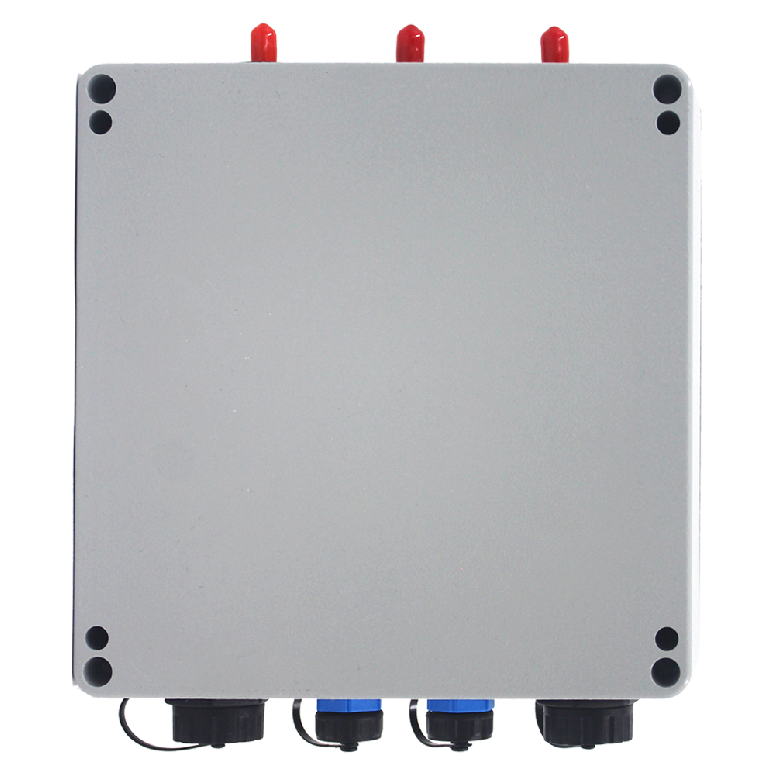
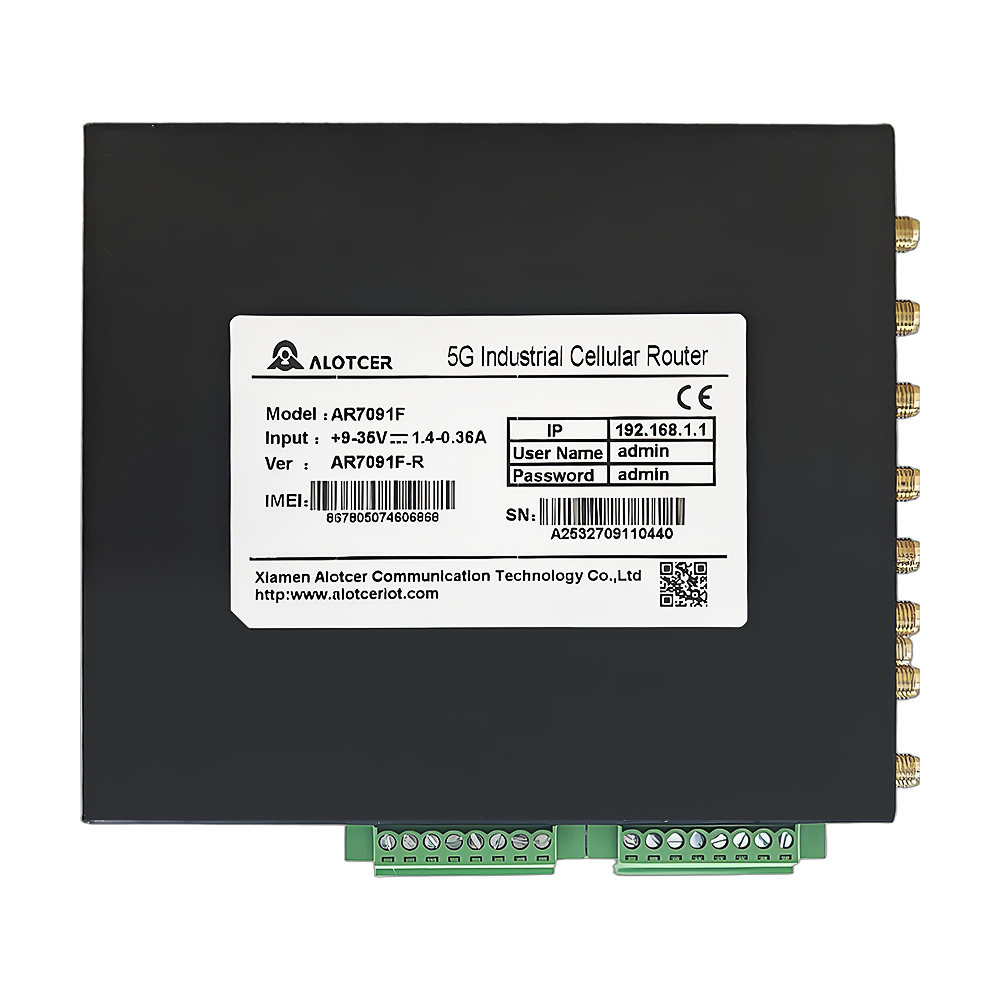
Industrial VPN routers are the workhorse solution for secure remote access. They support robust VPN protocols for encrypted communication, offering additional features like cellular connectivity for backup or remote locations without a wired internet connection. While they might require more advanced configuration compared to consumer routers, their reliability and security features make them a preferred choice for industrial applications.
Consumer Routers with VPN Functionality
For simpler setups, consumer routers with built-in VPN functionality can be a budget-friendly option. These routers can reduce initial costs, though their security features and reliability might not be as robust as industrial VPN routers. Additional configuration steps may be required to optimize them for PLC communication.
Security Matters: Prioritizing Safety in Remote Access
The Importance of Security
Robust security measures are critical when accessing PLCs remotely. Unauthorized access can disrupt operations, cause data breaches, and compromise safety protocols. Ensuring that your remote access system is secure is paramount.
Securing Your Router
Here are essential security tips for securing your router:
- Use Strong and Unique Passwords: Avoid default passwords and opt for strong, unique ones.
- Enable Encryption Protocols: Use WPA2 or WPA3 to secure your Wi-Fi network.
- Disable Remote Access Management: Turn off remote management features when not in use to reduce vulnerability.
Securing Your PLC
Securing your PLC involves configuring its security settings properly:
- Enable Password Protection: Set strong passwords for remote access.
- Restrict Access: Limit access to authorized users only.
- Implement User Authentication: Use authentication protocols specific to your PLC model for added security.
Configuration Considerations: Setting Up Your Remote Access System
Gathering Information
Before you start the configuration, gather the necessary information:
- PLC Model and IP Address: Know your PLC’s specifics and network details.
- Router Model and Access Credentials: Have your router’s model information and login credentials ready.
- Desired Remote Access Method: Decide on the method, such as VPN or another protocol.
- Security Protocols and Authentication Details: Determine the security measures you will implement.
PLC Configuration
Configuring your PLC for remote access typically involves:
- Enabling Remote Access: Turn on the remote access functionality within your PLC’s settings.
- Setting Up User Authentication: Configure user authentication and security protocols.
- Defining IP Address Range: Specify the range of IP addresses allowed for remote access.
Router Configuration
Configuring your router involves several steps:
- Access Router’s Web Interface: Log in to your router’s web interface.
- Locate VPN or Remote Access Settings: Find the settings for remote access.
- Configure VPN Protocol and Encryption: Set up the VPN protocol and encryption settings.
- Create Firewall Rules: Allow access from authorized IP addresses only.
Verification is Key: Testing Your Remote Access Setup
Testing the Connection
Once configured, test the connection using tools like ping or remote desktop software. Ensure that your remote device can communicate with the PLC effectively.
Troubleshooting Common Issues
Here are potential solutions to common remote access problems:
- Firewall Rules and Security Settings: Double-check these configurations.
- IP Addresses and Subnet Masks: Verify that these details are correct.
- Consult Manuals: Refer to your router’s or PLC’s manual for troubleshooting specific error messages.
Advanced Features: Exploring Additional Capabilities
Data Logging and Reporting
Some PLC remote access routers offer data logging and reporting features:
- Track Performance Metrics: Monitor PLC performance for historical analysis and trend identification.
- Generate Reports: Create reports to keep an eye on system health and spot potential issues early.
Remote Maintenance and Updates
Remote access enables you to perform maintenance tasks without physical access:
- Install Software Updates: Update your PLC software remotely.
- Configuration Changes: Make configuration changes from afar, as needed.
Scalability and Redundancy
Expand your remote access setup with these options:
- Multiple VPN Tunnels: Connect to multiple PLC networks simultaneously using routers with multiple VPN tunnels.
- Redundant Internet Connections: Consider using cellular backup or additional internet connections for increased reliability.
Beyond the Basics: Exploring Alternative Remote Access Solutions
Cloud-Based PLC Access
Cloud-based solutions offer a modern approach to remote PLC access:
- Connect to Cloud Service Providers: Use cloud services for remote monitoring and control.
- Simplified Configuration: Benefit from easier setup and web-based access from any device.
- Security and Costs: Evaluate security measures and potential subscription costs.
Dedicated SCADA Systems
Supervisory Control and Data Acquisition (SCADA) systems are comprehensive automation solutions:
- Built-in Remote Access: Many SCADA systems include remote access functionalities.
- Complex and Expensive: Suitable for larger-scale industrial operations, but often more complex and costly.
Conclusion
Unlocking Remote Possibilities
Establishing a secure and reliable remote access system for your PLCs offers numerous benefits, allowing you to monitor, control, and troubleshoot efficiently from any location. By leveraging the power of PLC remote access routers, you can enhance operational efficiency, minimize downtime, and ensure smooth industrial processes.
A Bridge to Enhanced Efficiency
Remote access empowers you to optimize your industrial automation processes, providing the tools needed to stay ahead in a competitive landscape. Embrace the potential of PLC remote access and take your operations to the next level.
FAQs
What Internet Speed Do I Need for Remote PLC Access?
The required speed depends on the amount of data transferred between your PLC and the remote device. Generally, a stable and reliable connection is more important than raw speed for most applications. For most setups, a broadband connection should suffice.
Can I Use a Free VPN Service for Remote PLC Access?
While technically possible, free VPN services often come with limitations on bandwidth, security features, and reliability. It’s generally not recommended for critical industrial applications. Investing in a reliable VPN service is a safer choice.
How Can I Ensure My PLC Remote Access System is Secure?
Prioritize strong passwords, encryption protocols, user authentication, and restricting access to authorized users only. Regularly update your router and PLC firmware to benefit from the latest security patches and fixes.
What Should I Do if I Encounter Problems Establishing a Remote Connection?
Double-check your configuration settings, verify IP addresses and firewall rules, and consult your router and PLC manuals for troubleshooting specific error messages. If needed, seek assistance from a qualified IT professional.
What Are the Benefits of Using a PLC Remote Access Router?
Using a PLC remote access router allows for enhanced efficiency, reduced downtime, and improved security. It enables remote troubleshooting, monitoring, and control, which are critical for maintaining smooth industrial operations.
How Do I Set Up Remote Access on My PLC Router?
Gather necessary information about your PLC and router, configure your PLC for remote access, and set up your router with the appropriate VPN and security settings. Follow the specific configuration steps provided in your device manuals.
What Security Measures Should I Take When Using a PLC Remote Access Router?
Use strong passwords, enable encryption protocols like WPA2 or WPA3, disable remote access management when not in use, and restrict access to authorized users only. Regularly update firmware for both your router and PLC.
How Do I Troubleshoot PLC Communication Issues with a Remote Router?
Check firewall rules and security settings, verify IP addresses and subnet masks, and consult your router and PLC manuals for specific troubleshooting tips. Ensure all configurations align with best practices for secure remote access.
What is the Difference Between a PLC Router and a Regular Router?
A PLC router is specifically designed for industrial applications and often includes advanced security features and robust VPN support. Regular routers may lack the reliability and security needed for critical industrial environments.