- Why Use VPN for PLC Remote Access?
- Setting Up a VPN Router for Remote PLC Access: A Step-by-Step Guide
- Best Practices for Securing Industrial Control Systems with VPN
- Comparing VPN Options for Industrial Automation: A Review of Popular Solutions
- Troubleshooting Common VPN Connection Issues with PLC Remote Access
- Conclusion
- FAQs
In today’s rapidly evolving industrial landscape, the security of Industrial Control Systems (ICS) has become more critical than ever. As these systems increasingly rely on remote connections, the need for robust security measures has skyrocketed. Enter Virtual Private Networks (VPNs) – a game-changing solution that’s revolutionizing ICS security.
But why should you care? Well, imagine this: You’re running a state-of-the-art manufacturing plant, everything’s humming along smoothly, and then BAM! A cyber attack hits, bringing your operations to a screeching halt. Not a pretty picture, right? That’s where VPNs come in, acting as your digital bodyguard in the wild west of the internet.
In this guide, we’re going to dive deep into the world of VPNs for ICS. We’ll explore why they’re essential, how to set them up, and the best practices to keep your systems secure. So, buckle up and get ready for a journey into the heart of industrial cybersecurity!
Why Use VPN for PLC Remote Access?
Let’s face it, in the world of industrial automation, Programmable Logic Controllers (PLCs) are the unsung heroes. They’re the brains behind the operation, controlling everything from assembly lines to power grids. But with great power comes great responsibility, and that includes keeping these vital systems secure.
Now, you might be thinking, “Why can’t I just connect to my PLCs directly over the internet? It’s faster and easier!” Well, my friend, that’s like leaving your front door wide open and hoping no one wanders in. In the digital realm, unsecured connections are an open invitation to cyber criminals.
This is where VPNs come in, offering a trifecta of benefits that make them indispensable for PLC remote access:
1. Security: Your Digital Fort Knox
Think of a VPN as a secure tunnel through the chaotic landscape of the internet. When you connect to your PLCs through a VPN, all your data is encrypted. This means that even if some nefarious hacker manages to intercept your data, all they’ll see is a jumbled mess of code. It’s like sending your messages in a secret language that only you and your PLCs understand.
But it’s not just about keeping prying eyes out. VPNs also protect against tampering. Without a VPN, a skilled attacker could potentially intercept and modify your commands to a PLC, causing all sorts of havoc. With a VPN, any attempt to tamper with the data will be immediately apparent, allowing you to take action before any damage is done.
2. Reliability: Keeping the Wheels Turning
In the world of industrial control systems, downtime isn’t just inconvenient – it can be catastrophic. A few minutes of downtime can translate to thousands of dollars lost, not to mention potential safety risks. VPNs help ensure consistent connectivity, reducing the risk of unexpected disconnections.
Moreover, VPNs can provide redundancy. If one connection fails, a good VPN setup can automatically switch to a backup connection, ensuring your PLCs stay accessible even in the face of network issues. It’s like having a spare tire – you hope you never need it, but you’re sure glad it’s there when you do.
3. Cost-effectiveness: More Bang for Your Buck
Now, I know what you’re thinking. “All this security and reliability must cost a fortune, right?” Wrong! In fact, using VPNs for PLC remote access can actually save you money in the long run.
How? Well, think about the alternative. Without VPNs, you’d need to set up dedicated physical connections to each of your remote sites. That means more hardware, more maintenance, and more headaches. With a VPN, you can securely connect to all your PLCs over the existing internet infrastructure. It’s like having a single key that opens all your locks, instead of carrying around a massive keyring.
Plus, consider the cost of a potential security breach. The average cost of a data breach in the industrial sector is in the millions. Suddenly, the cost of implementing a VPN solution seems like pocket change in comparison, doesn’t it?
In essence, using a VPN for PLC remote access is like hiring a top-notch security guard, a reliable courier, and a savvy financial advisor all rolled into one. It keeps your data safe, ensures consistent connectivity, and saves you money. Now that’s what I call a win-win-win situation!
Setting Up a VPN Router for Remote PLC Access: A Step-by-Step Guide
Alright, now that we’ve convinced you of the merits of using a VPN for PLC remote access (and if we haven’t, go back and read the previous section again!), let’s roll up our sleeves and get into the nitty-gritty of setting up a VPN router. Don’t worry, it’s not as complicated as it sounds. Think of it as assembling a high-tech LEGO set – we’ll go through it piece by piece.
The Ingredients: What You’ll Need
Before we dive into the setup process, let’s make sure you have all the necessary components. Here’s your shopping list:
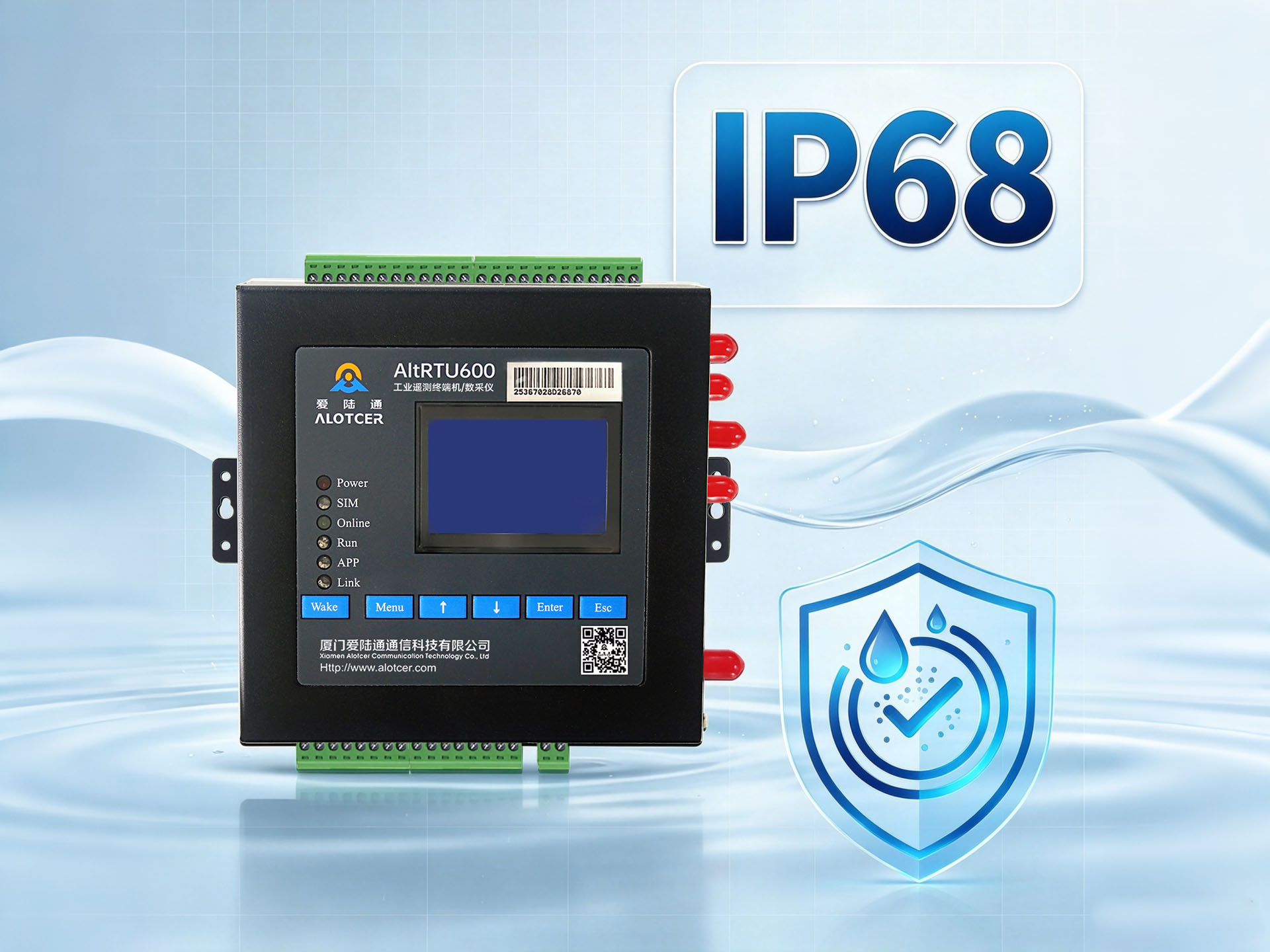
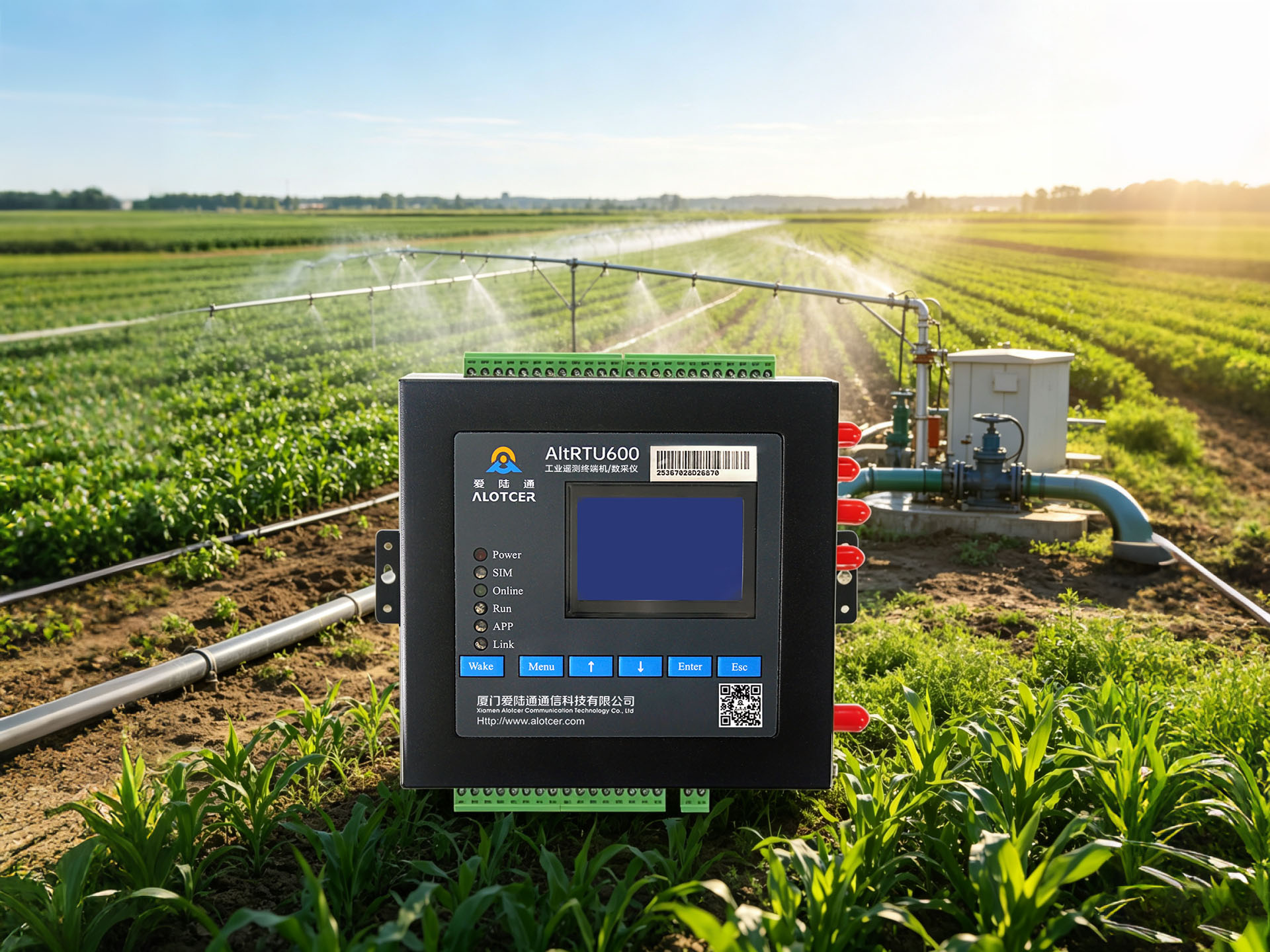
- VPN Router: This is the star of the show. Look for a router that supports VPN functionality out of the box. Brands like Teltonika, Cisco, or Alotcer offer great options for industrial use.
- VPN Client Software: This is what you’ll use on your computer or mobile device to connect to the VPN. Many routers come with their own client software, but you might also consider third-party options like OpenVPN or WireGuard clients.
- Stable Internet Connection: This one’s a no-brainer. You need a reliable internet connection at both ends – where your PLCs are located and where you’ll be connecting from.
- PLCs with Ethernet Capability: Make sure your PLCs can connect to the network. If you’re still using PLCs with only serial connections, you might need to consider upgrading or using a serial-to-Ethernet converter.
- A Cup of Coffee: Setting up a VPN router isn’t rocket science, but a little caffeine never hurts!

The Recipe: Step-by-Step Setup
Now that we have all our ingredients, let’s start cooking up that secure connection!
Step 1: Choose Your VPN Protocol
First things first, you need to decide which VPN protocol you’re going to use. This is like choosing between gas and electric for your stove – both will cook your food, but they have different advantages.
The two most popular options for industrial use are:
- OpenVPN: This is like the trusty gas stove of the VPN world. It’s been around for a while, it’s open-source, and it’s very secure. It’s a great all-around choice.
- WireGuard: This is the new induction cooktop on the block. It’s faster and more efficient than OpenVPN, but it’s also newer and less battle-tested.
For most industrial applications, OpenVPN is still the go-to choice due to its proven track record and wide compatibility. But if speed is a major concern and you’re feeling a bit adventurous, WireGuard might be worth considering.
Step 2: Configure Your Router
Now it’s time to get your hands dirty (metaphorically, of course – keep those hands clean in the server room!). Here’s a general outline of what you’ll need to do:
- Access your router’s admin panel: This usually involves typing an IP address into your web browser. Check your router’s manual for the exact address.
- Enable VPN server functionality: Look for a section labeled “VPN Server” or something similar. Enable it.
- Choose your VPN protocol: Select the protocol you decided on in Step 1.
- Set up your VPN network: You’ll need to choose an IP range for your VPN network. Make sure it doesn’t conflict with your local network or any other networks you might connect to.
- Configure authentication: Decide how clients will authenticate to your VPN. Options usually include:
- Username and password
- Digital certificates
- Two-factor authentication (for extra security)
- Set up encryption: Choose your encryption method. AES-256 is the gold standard and is recommended for industrial applications.
- Configure firewall rules: Make sure your router’s firewall allows VPN traffic. You might need to open specific ports depending on your chosen protocol.
Step 3: Set Up Your VPN Client
Now that your router is configured, it’s time to set up the client software on the devices you’ll use to connect to your PLCs.
- Install the VPN client software: This could be your router manufacturer’s proprietary software or a third-party client like OpenVPN.
- Configure the client: You’ll need to enter the details of your VPN server, including its public IP address or domain name.
- Set up authentication: Enter the credentials or import the digital certificates you configured on the router.
Step 4: Test Your Connection
You’re almost there! Now it’s time to test your shiny new VPN connection.
- Connect to the VPN: Use your client software to establish a connection to your VPN server.
- Verify your connection: Check that you’ve been assigned an IP address in the range you configured on your router.
- Try to access a PLC: Attempt to connect to one of your PLCs using its local IP address. If everything is set up correctly, you should be able to access it as if you were on the local network.
And voilà! You’ve just set up a secure VPN connection to your PLCs. Give yourself a pat on the back – you’re now leagues ahead of many industrial operations in terms of cybersecurity.
Remember, this is just a general guide. The exact steps might vary depending on your specific hardware and software. Always refer to your equipment manuals and don’t be afraid to reach out to technical support if you get stuck.
In the next section, we’ll dive into some best practices to ensure your newly minted VPN setup is as secure as Fort Knox. Stay tuned!
Best Practices for Securing Industrial Control Systems with VPN
Congratulations! You’ve set up your VPN for PLC remote access. But as any seasoned IT professional will tell you, security is not a one-and-done deal. It’s an ongoing process, much like maintaining a high-performance sports car. You wouldn’t just tune it once and expect it to win races forever, would you?
So, let’s dive into some best practices that will keep your ICS security purring like a well-oiled machine.
1. Implement Robust Encryption Methods
When it comes to encryption, you want to go for the industrial-strength stuff. We’re talking AES-256 encryption, the digital equivalent of a bank vault. It’s so secure that it’s used by governments to protect classified information. If it’s good enough for state secrets, it’s good enough for your PLCs.
But remember, encryption is only as strong as its weakest link. Make sure you’re using strong encryption not just for your VPN tunnel, but also for any data stored on your devices. It’s like having a state-of-the-art alarm system on your house but leaving the key under the doormat.
2. Use Strong Authentication and Access Controls
Think of authentication as the bouncer at the door of your digital nightclub. You want someone who can spot a fake ID from a mile away, not someone who lets in anyone with a convincing smile.
Here are some tips to beef up your authentication:
- Use Multi-Factor Authentication (MFA): This is like having multiple bouncers, each checking a different form of ID. Even if an attacker cracks one form of authentication, they still can’t get in without the others.
- Implement Role-Based Access Control (RBAC): Not everyone needs access to everything. RBAC ensures that each user only has access to the systems and data they need for their job. It’s like giving your cleaning staff a key to the supply closet, but not to the company safe.
- Regularly Audit User Accounts: People change roles, leave the company, or sometimes just accumulate unnecessary access over time. Regular audits help ensure that everyone only has the access they need.
3. Configure Firewalls and Intrusion Detection Systems
Your VPN is like a secure tunnel, but you still need to guard the entrance and exit. That’s where firewalls and intrusion detection systems (IDS) come in.
- Firewalls: These are your first line of defense. Configure them to only allow necessary traffic and block everything else. It’s like having a bouncer who only lets in people on the guest list.
- Intrusion Detection Systems: These act like security cameras, constantly monitoring for suspicious activity. If they spot something odd, they can alert you or even automatically take action to stop the threat.
Remember, your firewall and IDS are only as good as their configuration. Regularly review and update your rules to ensure they’re catching the latest threats.
4. Regularly Update Firmware and Software
Cybersecurity is an arms race, with attackers constantly developing new methods and defenders rushing to patch vulnerabilities. Keeping your systems updated is crucial to staying ahead in this race.
Set up a regular schedule for checking and applying updates to:
- Your VPN router firmware
- VPN client software
- PLC firmware
- Any other software or devices in your ICS ecosystem
But here’s a pro tip: while staying up-to-date is important, don’t rush to install every update the moment it’s released. In the industrial world, stability is key. Test updates in a non-production environment first to ensure they don’t cause any unforeseen issues.
5. Monitor and Log Everything
You can’t secure what you can’t see. Implement comprehensive logging and monitoring across your entire ICS network. This includes:
- VPN connection attempts (successful and failed)
- Changes to PLC programs or configurations
- Unusual traffic patterns or data transfers
Regular review of these logs can help you spot potential security issues before they become major problems. It’s like having a security guard constantly patrolling your premises.
6. Train Your Team
All the fancy technology in the world won’t help if your team doesn’t know how to use it properly or recognize potential threats. Regular cybersecurity training for all staff who interact with your ICS is crucial.
This training should cover:
- Proper use of VPN systems
- Recognizing and reporting potential security threats
- The importance of following security protocols
Remember, your employees are both your first line of defense and potentially your biggest vulnerability. Invest in their knowledge and you’ll see returns in improved security.
7. Have an Incident Response Plan
Despite your best efforts, breaches can still happen. Having a well-thought-out incident response plan can mean the difference between a minor hiccup and a major disaster.
Your plan should include:
- Steps for identifying and containing a breach
- Procedures for notifying relevant parties (including customers and regulators if necessary)
- A process for learning from the incident and improving your defenses
It’s like having a fire drill for your digital assets. You hope you never need it, but you’ll be glad you have it if the worst happens.
By following these best practices, you’re not just securing your industrial control systems – you’re creating a culture of security that permeates your entire operation. It’s not always easy, and it requires ongoing effort, but in today’s threat landscape, it’s absolutely necessary.
Remember, cybersecurity isn’t just about protecting data or systems – it’s about protecting your entire business, your employees, and potentially even public safety. So take it seriously, stay vigilant, and may your PLCs always be secure!
Comparing VPN Options for Industrial Automation: A Review of Popular Solutions
Alright, folks, it’s time for the main event! We’re going to dive into the world of VPN solutions for industrial automation. It’s like a tech version of “The Bachelor,” but instead of roses, we’re handing out secure connections. Let’s meet our contestants!
OpenVPN: The Reliable Veteran
First up, we have OpenVPN, the seasoned pro of the VPN world. It’s been around the block a few times and has the battle scars to prove it.
Pros:
- Open-source and widely supported
- Highly secure when configured correctly
- Flexible and can run on almost any platform
Cons:
- Can be complex to set up and configure
- Not the fastest option out there
OpenVPN is like that dependable car that’s been in the family for years. It might not be the flashiest option, but it’ll get you where you need to go safely and reliably.
WireGuard: The New Kid on the Block
Next up is WireGuard, the young upstart that’s been turning heads in the VPN world.
Pros:
- Blazing fast performance
- Simple codebase, making it easier to audit and secure
- Lower overhead, which is great for mobile devices
Cons:
- Relatively new, so not as battle-tested as other options
- Lacks some advanced features of more mature protocols
WireGuard is like that shiny new sports car. It’s fast, sleek, and exciting, but it might not have all the features you’re used to in your old reliable sedan.
IPsec: The Corporate Favorite
IPsec is the VPN protocol that’s been a staple in corporate environments for years.
Pros:
- Widely supported in enterprise hardware
- Can be very secure when properly configured
- Good performance for most use cases
Cons:
- Complex to set up and troubleshoot
- Can be challenging to get working through firewalls
IPsec is like the corporate suit of the VPN world. It’s been around for ages, it’s respectable, and it gets the job done – but it can be a bit stuffy and hard to work with at times.
Proprietary Solutions: The Luxury Options
Last but not least, we have proprietary VPN solutions from big names like Cisco and Juniper. These are the luxury cars of the VPN world – packed with features, but with a price tag to match.
Pros:
- Often come with comprehensive support packages
- Can be tightly integrated with other products from the same vendor
- May offer advanced features not found in open-source solutions
Cons:
- Can be expensive, especially for smaller operations
- May lead to vendor lock-in
- Proprietary nature means you’re dependent on the vendor for security updates
These solutions are like buying a car from a high-end dealership. You get white-glove service and all the bells and whistles, but you’ll pay a premium for the privilege.
So, Which One Should You Choose?
Now, I know what you’re thinking: “Just tell me which one to pick already!” But here’s the thing – there’s no one-size-fits-all solution when it comes to VPNs for industrial automation. It’s like choosing a car – the best choice depends on your specific needs, budget, and preferences.
Here’s a quick guide to help you decide:
- If you’re on a tight budget and don’t mind a bit of tinkering: OpenVPN is your best bet. It’s free, secure, and has a large community for support.
- If speed is your top priority and you’re willing to try something new: Give WireGuard a shot. It’s blazing fast and gaining popularity rapidly.
- If you’re in a large corporate environment with existing Cisco or Juniper infrastructure: You might find it easiest to stick with their proprietary solutions for seamless integration.
- If you need something that’s widely supported in enterprise hardware: IPsec might be your best choice, despite its complexity.
Remember, the “best” VPN is the one that meets your specific needs while fitting within your budget and technical capabilities. Don’t be afraid to test drive a few options before making your final decision.
And here’s a pro tip: consider using a combination of VPN solutions. For example, you might use IPsec for your main office connections and OpenVPN for remote workers. It’s like having a minivan for family trips and a sporty coupe for your weekend joyrides – the best of both worlds!
Troubleshooting Common VPN Connection Issues with PLC Remote Access
Alright, buckle up, folks! We’re about to embark on a troubleshooting adventure. Even with the best VPN setup, issues can pop up faster than moles in a whack-a-mole game. But don’t worry – we’re going to arm you with the knowledge to smack these problems back down where they came from.
1. Connectivity Problems: When Your VPN Decides to Play Hide and Seek
You’ve set everything up perfectly (or so you thought), but your VPN connection is nowhere to be found. Don’t panic! Here are some common culprits and how to deal with them:
Issue: VPN Client Can’t Connect to the Server
- Check Your Internet Connection: Sounds obvious, right? But you’d be surprised how often this is the culprit. Make sure both the client and server have stable internet connections.
- Verify Server Address and Port: Double-check that you’ve entered the correct server address and port number in your VPN client. It’s like making sure you’ve got the right address before you start a road trip.
- Firewall Check: Make sure your firewall isn’t blocking the VPN connection. It might be a bit overzealous in its protection duties.
Issue: Connected, But No Internet Access
- Check Routes: Ensure that your VPN is correctly routing traffic. It’s like making sure your GPS is actually taking you where you want to go, not just driving you in circles.
- DNS Issues: Sometimes, DNS servers can be the problem. Try changing to a public DNS server like Google’s (8.8.8.8) or Cloudflare’s (1.1.1.1).
2. Authentication Errors: When Your VPN Thinks You’re an Impostor
You know you’re you, but your VPN isn’t convinced. Here’s how to prove your identity:
Issue: Invalid Username or Password
- Double-Check Credentials: I know, I know, you’re sure you entered them correctly. But humor me and check again. We all have those days.
- Reset Password: If you’re still having trouble, try resetting your password. Sometimes, accounts can get locked after too many failed attempts.
Issue: Certificate Errors
- Check Certificate Validity: Make sure your client certificate hasn’t expired. It’s like making sure your driver’s license is still valid.
- Time Sync: Ensure that the time on your client device is correctly synchronized. VPNs can be picky about this.
3. Encryption Issues: When Your Secret Code Isn’t So Secret
Encryption is the backbone of VPN security. When it goes wrong, it’s like trying to have a secret conversation in a room full of eavesdroppers.
Issue: Encryption Negotiation Failure
- Check Protocol Compatibility: Make sure your client and server are trying to speak the same language. If your server only supports AES-256 and your client is set to use AES-128, they’re not going to understand each other.
- Update Software: Encryption methods evolve. Make sure both your client and server software are up to date.
Issue: Slow Connection Due to Encryption Overhead
- Adjust Encryption Settings: If your connection is painfully slow, you might need to balance security and speed. Consider using a lighter encryption method if your security requirements allow it.
- Check Hardware: Some devices have hardware acceleration for encryption. Make sure it’s enabled if available.
4. PLC-Specific Issues: When Your PLCs Are Being Difficult
Sometimes, the problem isn’t with the VPN itself, but with how it’s interacting with your PLCs.
Issue: Can’t Connect to PLC After Establishing VPN Connection
- Check IP Addressing: Make sure your VPN isn’t assigning IP addresses that conflict with your PLC network.
- Routing: Ensure that your VPN client knows how to route traffic to your PLC network. It’s like making sure your GPS knows about that new shortcut you discovered.
Issue: Intermittent Connection to PLCs
- Check for Packet Loss: High packet loss can cause intermittent connections. Use tools like ping or traceroute to check for packet loss along the route.
- Bandwidth Issues: If your VPN connection doesn’t have enough bandwidth, it might struggle with the traffic from multiple PLCs. Consider upgrading your internet connection or optimizing your VPN settings.
Remember, troubleshooting is often a process of elimination. Start with the simplest possible cause and work your way up to more complex issues. And don’t be afraid to reach out to your VPN provider’s support team – that’s what they’re there for!
Also, here’s a pro tip: keep a troubleshooting log. Every time you encounter and solve an issue, jot it down along with the solution. Over time, you’ll build up a personalized troubleshooting guide that can save you hours of head-scratching in the future.
And finally, remember to breathe. VPN issues can be frustrating, but they’re almost always solvable. Approach each problem with a calm mind and a methodical attitude, and you’ll be back up and running in no time. After all, you’re not just an industrial automation professional – you’re a digital detective, and no VPN mystery is too tough for you to crack!
Conclusion
As we wrap up our journey through the world of VPNs for Industrial Control Systems, let’s take a moment to reflect on what we’ve learned. We’ve covered a lot of ground, from the basics of why VPNs are crucial for PLC remote access, to the nitty-gritty of setting up a VPN router, all the way through to troubleshooting common issues.
The key takeaway? Securing your Industrial Control Systems with VPNs isn’t just a good idea – it’s absolutely essential in today’s interconnected world.
Think about it – your PLCs are the brains of your operation. They control critical processes, manage valuable data, and keep your business running smoothly. Leaving them exposed to potential cyber threats is like leaving the keys to your factory in the front door lock. Sure, maybe nothing will happen, but do you really want to take that risk?
By implementing a robust VPN solution, you’re not just protecting your data – you’re safeguarding your entire operation. You’re ensuring that your remote access is secure, reliable, and efficient. You’re giving yourself peace of mind, knowing that your critical systems are protected by state-of-the-art encryption and security protocols.
But remember, setting up a VPN is just the first step. Security is an ongoing process, not a one-time task. Stay vigilant, keep your systems updated, train your staff, and always be on the lookout for new threats and better ways to protect your systems.
As technology continues to evolve, so too will the methods used by cybercriminals. But by staying informed and proactive, you can ensure that your Industrial Control Systems remain secure, no matter what challenges the future may bring.
So go forth, implement your VPN, secure your PLCs, and rest easy knowing that you’ve taken a crucial step in protecting your industrial operations. After all, in the world of industrial automation, a secure system is a productive system.
And remember – when it comes to cybersecurity, it’s always better to be proactive than reactive. Don’t wait for a breach to happen before you take action. Start securing your systems today, and your future self will thank you.
Here’s to secure, efficient, and prosperous industrial operations. May your PLCs always be protected, your data always be encrypted, and your VPN connections always be strong!
FAQs
Q1: Can I use a free VPN for my industrial control systems?
A1: While it might be tempting to use a free VPN to save costs, it’s generally not recommended for industrial control systems. Free VPNs often have limitations in terms of security, speed, and reliability that make them unsuitable for critical industrial applications. They may also have unclear privacy policies, potentially putting your sensitive data at risk. For industrial control systems, it’s always better to invest in a reputable, paid VPN service that offers robust security features and reliable performance.
Q2: How often should I update my VPN software and firmware?
A2: As a general rule, you should check for updates to your VPN software and firmware at least once a month. However, it’s a good idea to enable automatic updates if your system allows it, ensuring you always have the latest security patches. That said, in an industrial setting, it’s crucial to test these updates in a non-production environment first to ensure they don’t cause any compatibility issues with your existing systems. Remember, while staying up-to-date is important for security, stability is paramount in industrial control systems.
Q3: Is it safe to access my PLCs remotely from public Wi-Fi using a VPN?
A3: While using a VPN significantly increases your security when accessing PLCs remotely, it’s generally not recommended to use public Wi-Fi for accessing critical industrial systems, even with a VPN. Public Wi-Fi networks are inherently less secure and could potentially be compromised. If remote access from outside your secure network is necessary, it’s better to use a cellular data connection or a dedicated, secure internet connection along with your VPN. This provides an additional layer of security beyond what the VPN alone can offer.