I. The “9-48 V Super-Wide Input” fairy tale
Walk the aisles of any industrial-technology fair and you will see banners screaming “9-36 V or even 9-48 V universal input”. To the casual buyer this sounds like the device can survive a lightning strike on the plant bus-bar. In reality it is a carefully staged numbers game.
1. What actually happens inside the box
Every industrial router ultimately needs 3.3 V and 5 V rails for its CPU, memory and Ethernet PHY. A wide-range switch-mode power-supply chip (buck-boost) performs the conversion. The efficiency curve of that IC is not flat: it peaks at 24 V (the sweet spot for industrial systems) and falls off on both sides. At 9 V the input current must triple to deliver the same wattage; copper traces, MOSFETs and the bulk capacitor heat up. At 48 V the switching losses and voltage stress on the semiconductors climb. The result is a 7-10 °C temperature rise inside an already fan-less enclosure—enough to halve electrolytic-capacitor lifetime and push the CPU into thermal throttling.
2. How vendors hide the fine print
Data sheets rarely publish efficiency vs. input-voltage curves. Instead you get a single “typical” figure measured at 24 V. Mean-time-between-failure (MTBF) calculations are likewise quoted at 25 °C ambient—conditions that never exist inside a metal enclosure on a glass-line in August.
3. The cost-down route to failure
To hit a low price, some makers substitute domestic-grade power modules whose absolute-maximum rating is 40 V. They rely on the hope that nobody will really run at 48 V. If you do, the router works—until a truck starter motor dumps a 60 V load-dump spike on the rail and the MOSFET explodes. Because the input stage is potted under conformal coating, the whole unit has to be scrapped.
Rule of thumb: if your plant standard is 24 V, buy a router that is explicitly optimised for 24 V (18-32 V range) and carries a 2× safety margin on component voltage ratings. Reject any vendor that cannot show an efficiency-versus-voltage graph and a +20 % derating table for 55 °C ambient.
II. The IP67/IP68 marketing trap

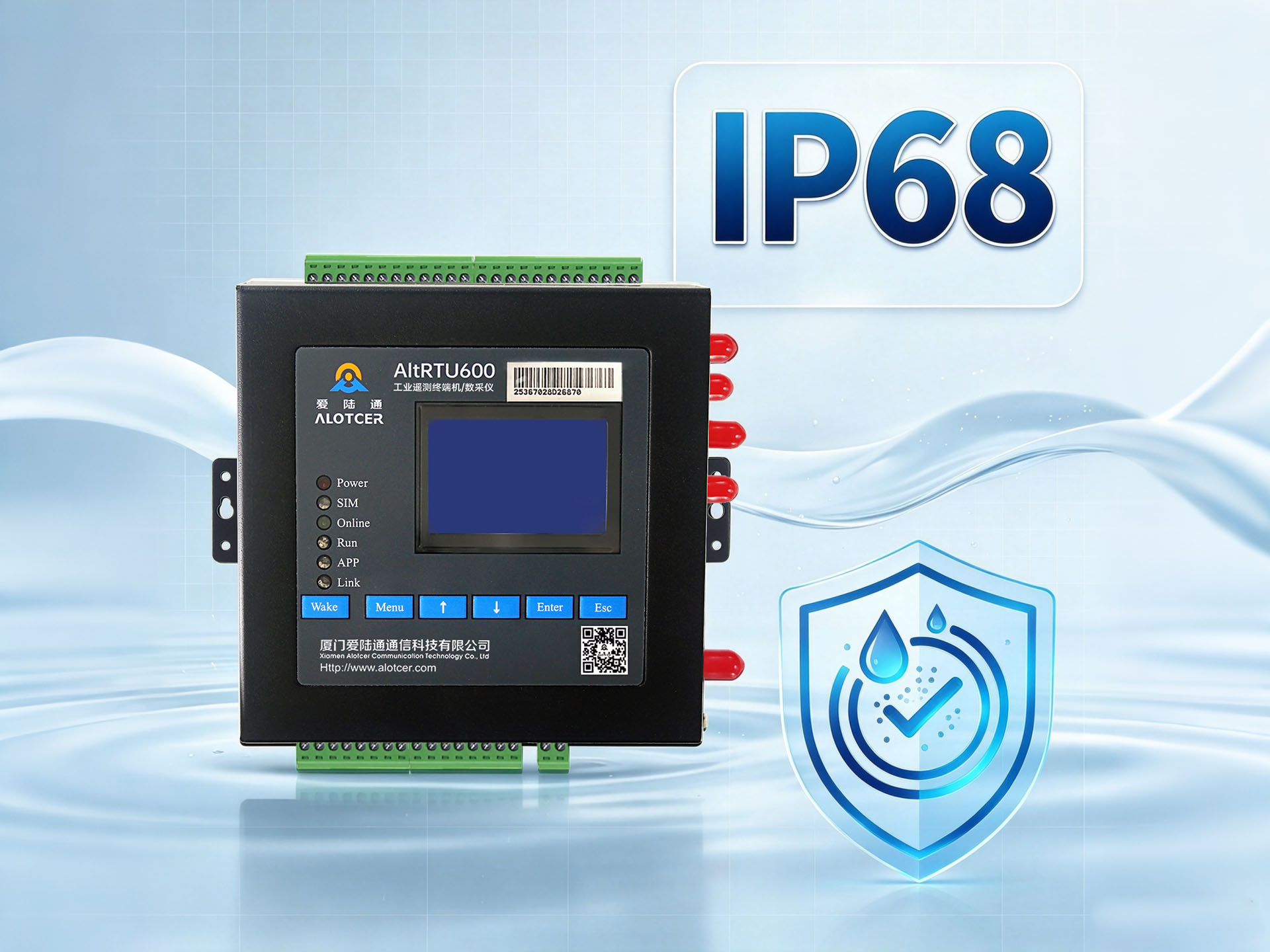
After voltage comes water. “IP67 rated—perfect for underwater applications” is the new catch phrase. Again, the bigger number looks better, but most buyers never ask “better for what?”
1. What the code really means
IEC 60529 states that the first digit (6) = total dust ingress protection; the second digit (7) = immersion to 1 m for 30 min, (8) = continuous immersion under conditions specified by the manufacturer. To achieve this, every seam, cable gland and indicator window needs a precision-moulded silicone seal and a compression limiter. Testing is done at +40 °C with a 0 °C water shock cycle to reveal thermal-expansion leaks.
2. Why IP54 or IP65 is usually enough
Industrial routers live inside steel panels that already satisfy IP54. Adding IP67 to the router is like putting a raincoat on a man who is already indoors. You pay for:
– O-ring machined flanges
– Vacuum-tested aluminium die-cast housings
– Stainless-steel M12 connectors instead of RJ-45
All of these add 25-40 % to the BOM, yet deliver zero extra revenue uptime for 90 % of applications.
3. How the hype is manufactured
Small vendors short-cut the process: they flood the enclosure with cheap RTV silicone around the RJ-45 socket, submit one golden sample to the lab, obtain a “tested to IP68” photograph and then ship totally different units. When the silicone shrinks after three thermal cycles, water wicks along the CAT5e sheath and the PCB is destroyed. The user is told “you must have used the wrong cable”.
4. The red flags in a data sheet
– Wording such as “similar to IP67” or “designed for IP68” instead of “certified IP68 per IEC 60529:2013”
– No mention of tested water depth, temperature cycle or cable specification
– No certificate number from an accredited lab (TÜV, SGS, Intertek)
III. A real-world disaster: the “submarine router” that sank
In 2022 a European fish-farm operator bought twenty “IP68” routers from a little-known Shenzhen trader. The devices were mounted on floating feed barges—genuinely wet, saline, 100 % humidity. Within three months the failure rate was 70 %. Post-mortem showed:
– RJ-45 jack with no nickel plating, already green with corrosion
– Potting compound that dissolved in warm water, leaving cavities
– No membrane vent, so internal condensation created a miniature rain cloud during every cool night
The vendor finally admitted no IP testing had ever been performed. The operator sued, but six months of lost growth cycle had already cost EUR 1.2 million.
IV. Buying strategy: how to stay on solid ground
1. Map your true environmental envelope
If the panel already offers IP54, insist on IP54 for the router and spend the savings on redundant power feeds or a second Ethernet port. If the device really will be pressure-washed with 80 °C water (food conveyor), then demand IP69K and pay the premium—but only after you have seen the third-party certificate.
2. Ask for the efficiency curve, not the headline voltage
Reputable vendors publish a graph of efficiency vs. input voltage from 9 V to 36 V at 25 °C and 55 °C ambient. The curve should stay above 88 % from 20 V to 30 V and not drop more than 3 % at the extremes. If they cannot produce the graph, walk away.
3. Insist on component derating documentation
Electrolytic capacitors must be rated at 105 °C and 1.5× the maximum ripple current. MOSFETs should have a VDS rating ≥ 60 V for a 36 V input system. Ask for the Bill-of-Materials page covering the front-end converter.
4. Demand the actual IP certificate
Certificate must reference IEC 60529:2013, list the serial number of the tested unit, the depth and duration of immersion, and the temperature cycle. A QR code that links to the lab’s online database is even better.
5. Prioritise function over form factor
A router that boasts “9-48 V & IP68” but only has one Ethernet port and no VPN throughput figure is a toy. Focus on:
– Aggregate VPN throughput (Mbps)
– Number of isolated LAN ports (1.5 kV magnetic isolation)
– Mean time to recovery (minutes) after a power brown-out
– Long-term software support (security patches for ≥ 7 years)