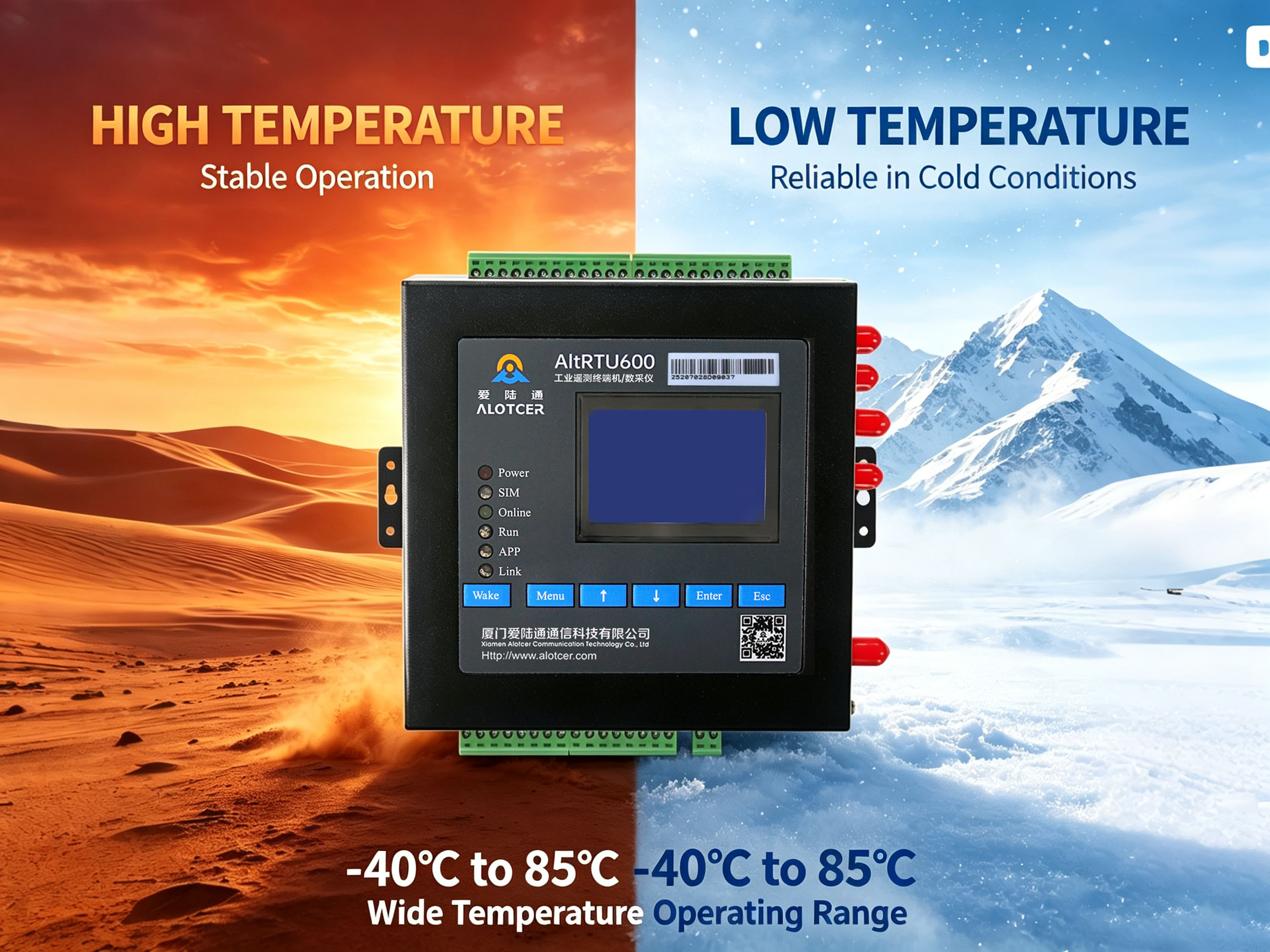
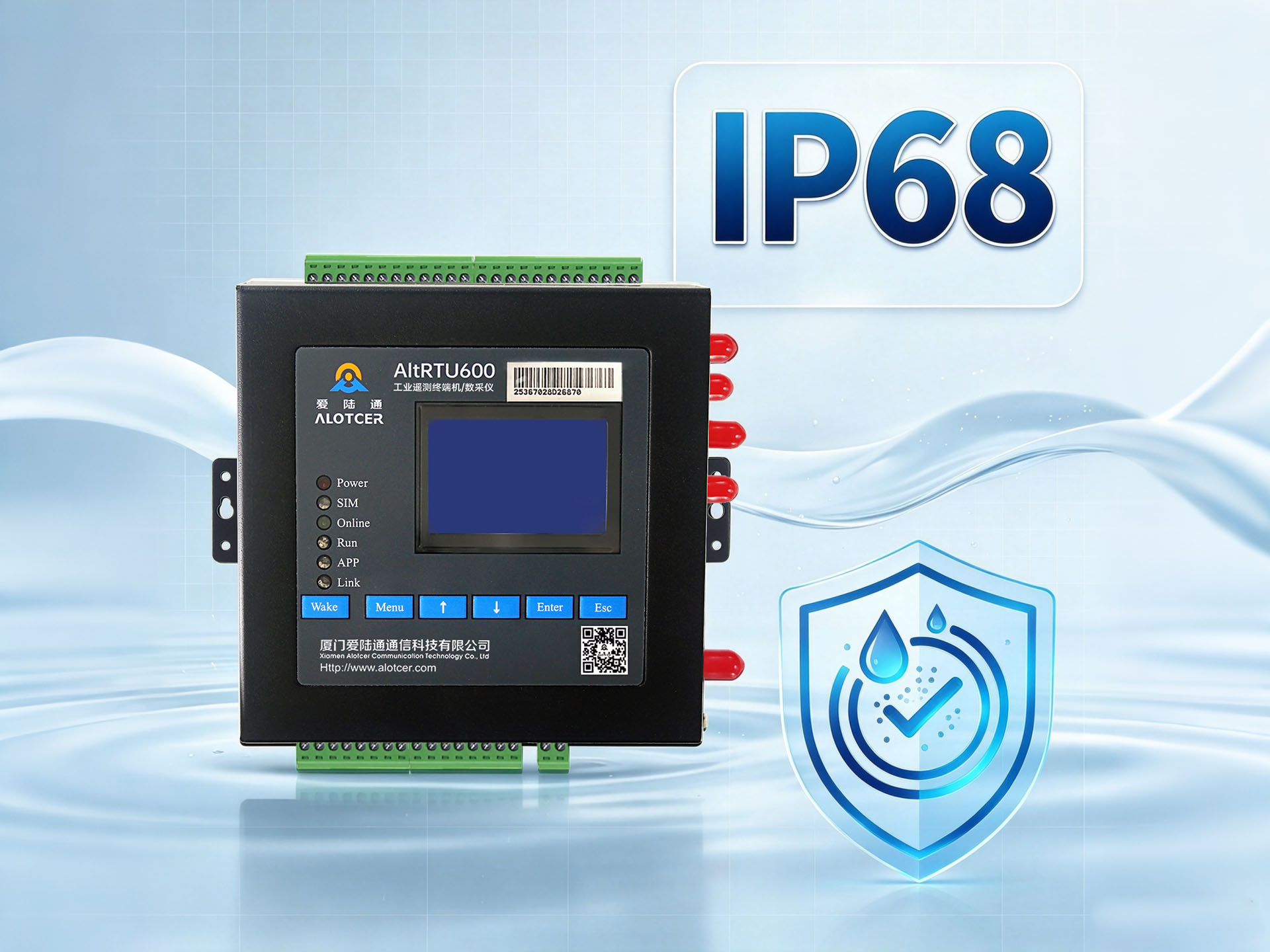
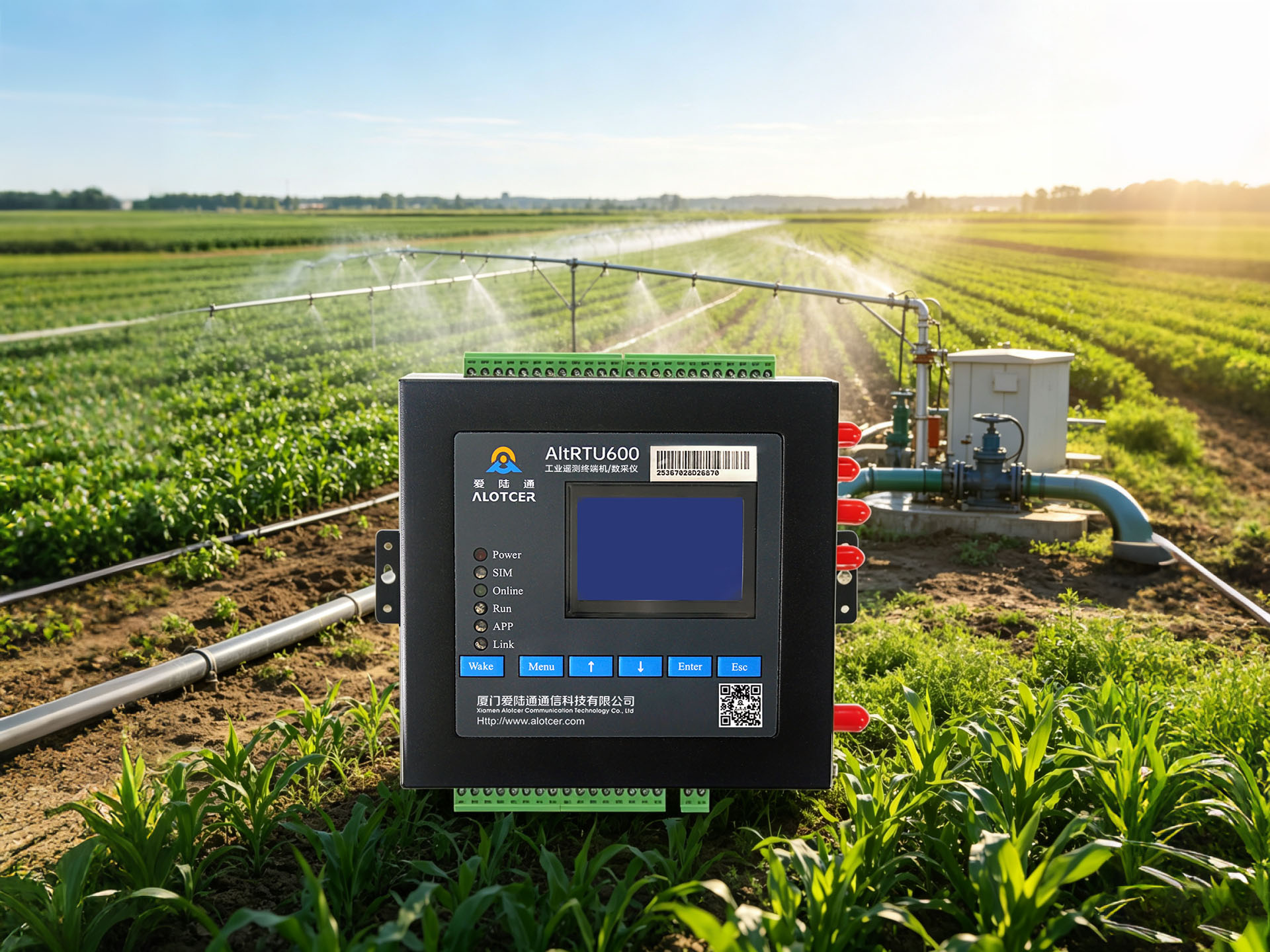
In the realms of industrial automation and remote monitoring, the Telemetry Terminal Unit (RTU) plays a pivotal role in data acquisition, transmission, and processing, acting as a bridge between field devices and remote monitoring centers. Ensuring the stable operation of RTUs is crucial, and调试 work is of paramount importance. Additionally, when faced with equipment aging or technological iteration, the decision to decommission must be rigorously analyzed.
I. Network Connection Check
1. Network Connectivity Test
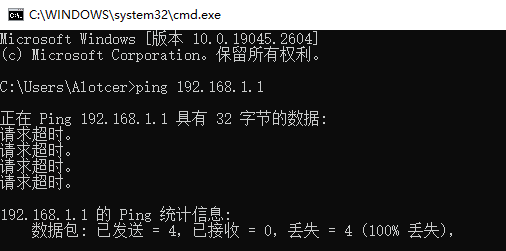
Firstly, use the ping command to check whether the RTU’s network connection with other devices is unobstructed. This helps quickly pinpoint network faults and ensures data can flow freely between devices.
2. IP Address Confirmation
Examine the RTU’s IP address using the ifconfig command, ensuring it matches the address in the network configuration. An incorrect IP address can lead to communication failures, making this step vital.
3. Network Configuration Verification

Inspect gateway addresses, subnet masks, and other network configuration details for accuracy. These configurations determine the RTU’s position on the network, and any errors can lead to communication disruptions.
II. Equipment Configuration Check
1. Serial Port Configuration Verification
RTUs typically communicate with other devices via serial ports. Therefore, it’s necessary to verify that serial port parameters such as baud rate, data bits, stop bits, and parity are correctly set. Incorrect serial port configurations can lead to communication anomalies.
2. Communication Protocol Matching
Ensure that the communication protocols used by the RTU match those of other devices. Different protocols may result in incompatible data formats, affecting the accuracy of data transmission.
III. Communication Testing
1. Serial Port Debugging Tool Application
Utilize serial port debugging tools like HyperTerminal or PuTTY to simulate communication processes with other devices. This helps observe communication data and assess whether the RTU’s communication status is normal.
2. Test Command Transmission
Send test commands to the RTU and observe its responses. Correct responses indicate that the RTU can correctly parse commands and execute corresponding operations.
3. Data Transmission Verification
Check whether the data transmitted during communication is accurate and error-free. Data errors can stem from network fluctuations, serial port misconfiguration, or equipment malfunctions.
IV. Data Acquisition and Storage Verification
1. Data Acquisition Initiation
Activate the RTU’s data acquisition function to start collecting field data.
2. Data Quality Check
Conduct quality checks on the collected data to ensure its accuracy, completeness, and timeliness.
3. Data Storage Verification
Inspect whether data is correctly stored in the RTU’s internal memory or external storage devices. Reliable data storage is fundamental to ensuring data traceability and analysis.
RTU Decommissioning Reasons
I. Hardware Failure Analysis
1. Power Module Inspection
The power module is the foundation of the RTU’s stable operation. Check if the output voltage of the power module meets requirements and whether there are any fault indications such as overheating or short circuits.
2. Serial Port Module Verification
The serial port module is responsible for the RTU’s communication with other devices. Check the communication rate, data format, and other configurations of the serial port module for correctness, as well as any physical damage or signs of aging.
3. Storage Module Assessment
The storage module is used to save collected data. Inspect the read/write speed, storage capacity, and data integrity of the storage module for any issues.
II. Software Issue Diagnosis
1. System Status Monitoring
Check for any abnormal conditions such as crashes or lag in the RTU’s operating system. These issues may stem from software vulnerabilities, insufficient resources, or external interference.
2. Software Version Updates
Ensure that the software version used by the RTU is up-to-date and compatible with the current hardware environment. Outdated software versions may fail to utilize hardware performance fully or even cause system instability.
III. Technological Obsolescence Assessment
1. Technology Development Tracking
Stay informed about the latest technology developments to ensure the RTU’s technological level meets current and future needs. Technological lag may result in deficiencies in performance, functionality,or security.
2. Technical Specification Comparison
Compare the RTU’s technical specifications with the latest industry standards and specifications to assess whether it remains competitive.
IV. Maintenance Cost Consideration
1. Maintenance Cost Assessment
Evaluate the maintenance costs of the RTU, including repair costs, spare part replacement costs, and technical support costs. Excessive maintenance costs may render the continued use of the RTU economically unfeasible.
2. Maintenance Cost Comparison
Compare the RTU’s maintenance costs with those of other available devices to determine if it still offers cost-effectiveness.
3. Technical Support Evaluation
Assess the technical support for the RTU, including the supplier’s service response time, technical support capabilities, and after-sales service quality. A lack of technical support may prevent timely resolution of RTU issues.
V. Data Issue Analysis
1. Data Quality Check
Inspect whether the data collected by the RTU contains errors, losses, or anomalies. Data quality issues are a critical factor affecting the reliability and accuracy of the RTU.
2. Data Storage Verification
Verify that the data stored by the RTU is complete, accurate, and traceable. Data storage issues may lead to data loss or analysis infeasibility, thereby affecting decision accuracy.
3. Data Analysis Result Verification
Check whether data analysis results are correct, ensuring that data can be accurately analyzed and utilized. Erroneous data analysis results may lead to incorrect decisions and actions.